Message the crew
Send a one-way message to everyone's phone.
Open the People menu, then Announcements.
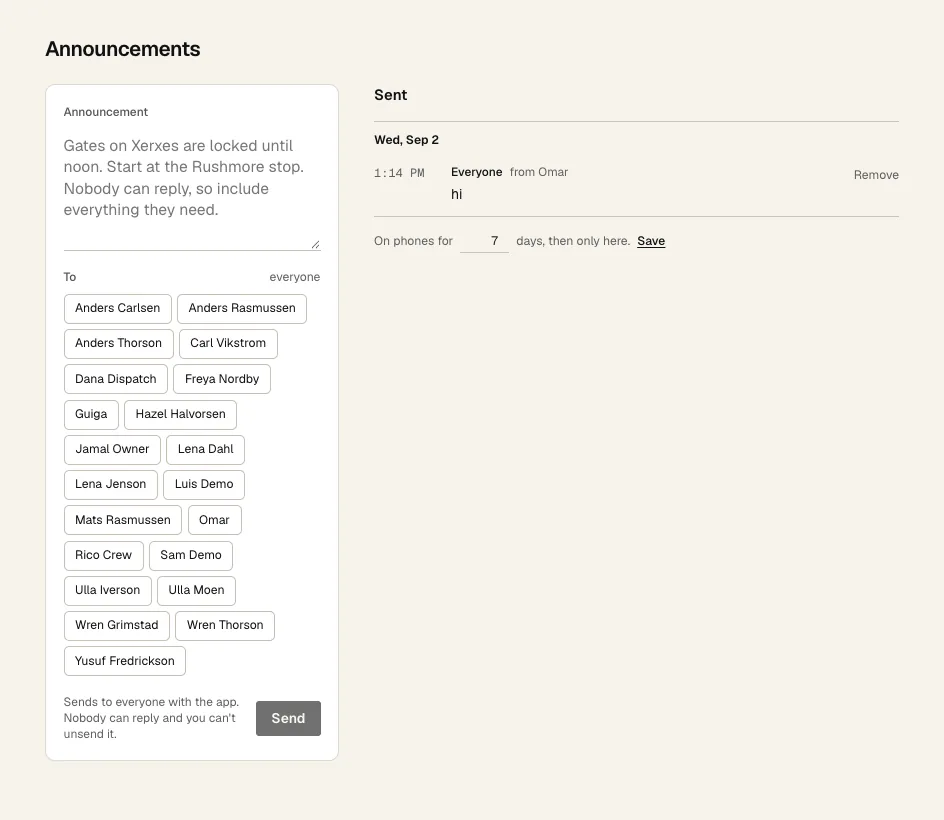
- 1 Type the message. 200 characters max. Nobody can reply, so put everything they need in it.
- 2 Pick people, or pick nobody to send to everyone.
- 3 Click Send. It goes straight to their phones and you can't unsend it.
- 4 How many days a message stays on phones. It stays on this page after that.
- 5 Remove takes it off everyone's phone.