Track your equipment
Who has which mower or truck, and what's broken.
Equipment is the list of real units your company owns: van 2, mower 1, weed whip 6. Each one has a name. Dispatch keeps track of who has each unit and which ones need fixing.
This is different from Bring on a stop. Bring is the kind of tool a job needs (a hedge trimmer). Equipment is the actual unit (hedge trimmer 3).
The office sets up the list (website)
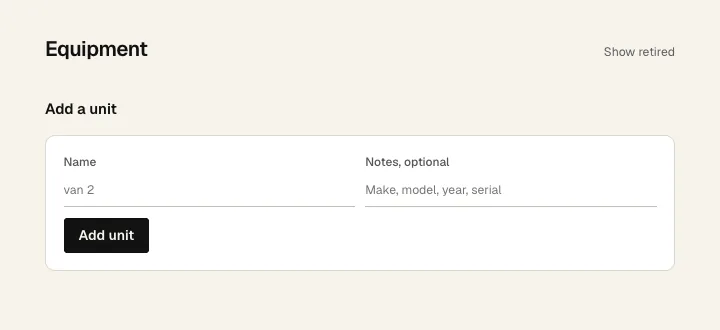
- On the website, click Equipment.
- 1 Type a Name. Use what's on the sticker, like "mower 4".
- 2 Add notes if you want: make, model, year, serial.
- 3 Click Add unit. Do this for each unit.
- 4 Show retired shows units you've sold or scrapped. Retiring one keeps its history and frees its name for the replacement.
Once there are units, this page shows who has each one and since when. A unit the crew flagged moves to the top and says Needs attention, with what they wrote. Click Resolve, then Mark resolved, when it's back in service.
Take or return a unit (phone)
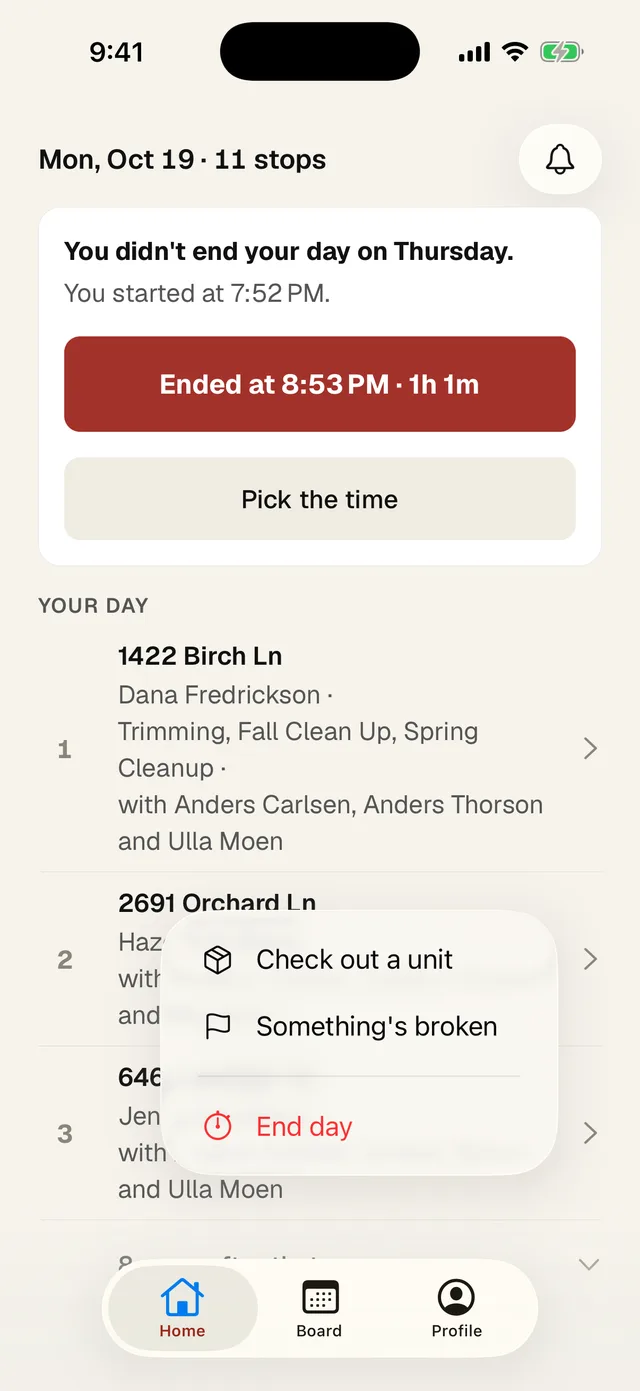
- 1 On Home, tap +, then Check out a unit.
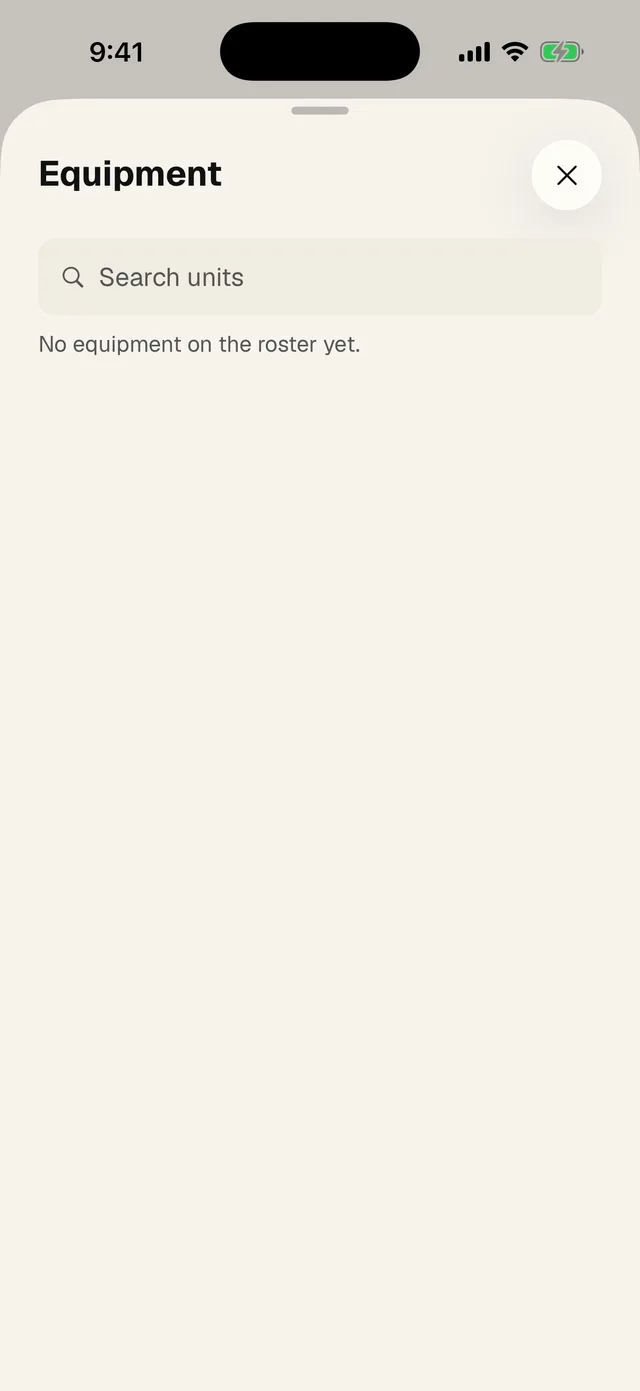
- Find the unit. Tap Take. It moves under Yours.
- At the end of the day, tap Return next to it. Or tap + then Return equipment to return everything you have at once.
Something broke
- Tap + then Something's broken (number 2 above). On a stop, tap Something's broken.
- Tap the unit, write what's wrong in a few words, and tap Flag it.
- The office gets a notification and sees it on the Equipment page.
You can also press and hold any unit in the equipment sheet and tap Flag it. A flagged unit shows a red flag with what was said, so the next person knows before they take it.
For owners and dispatchers on the phone
- When someone flags a unit, you get a notification that says (unit) needs attention. Tap it to open the equipment sheet.
- A unit someone else has shows (name) has it. The crew sees a lock on it. You get Take over, which asks Take (unit) from (name)? before it moves to you.
- Add at the top adds a unit. Press and hold a unit for Rename and Retire.
- Once a flagged unit is fixed, press and hold it and tap Clear the flag, then Clear. On the website, Resolve on the unit's row does the same.