See the board on your phone
The Board tab, the map, messages from the office and your profile.
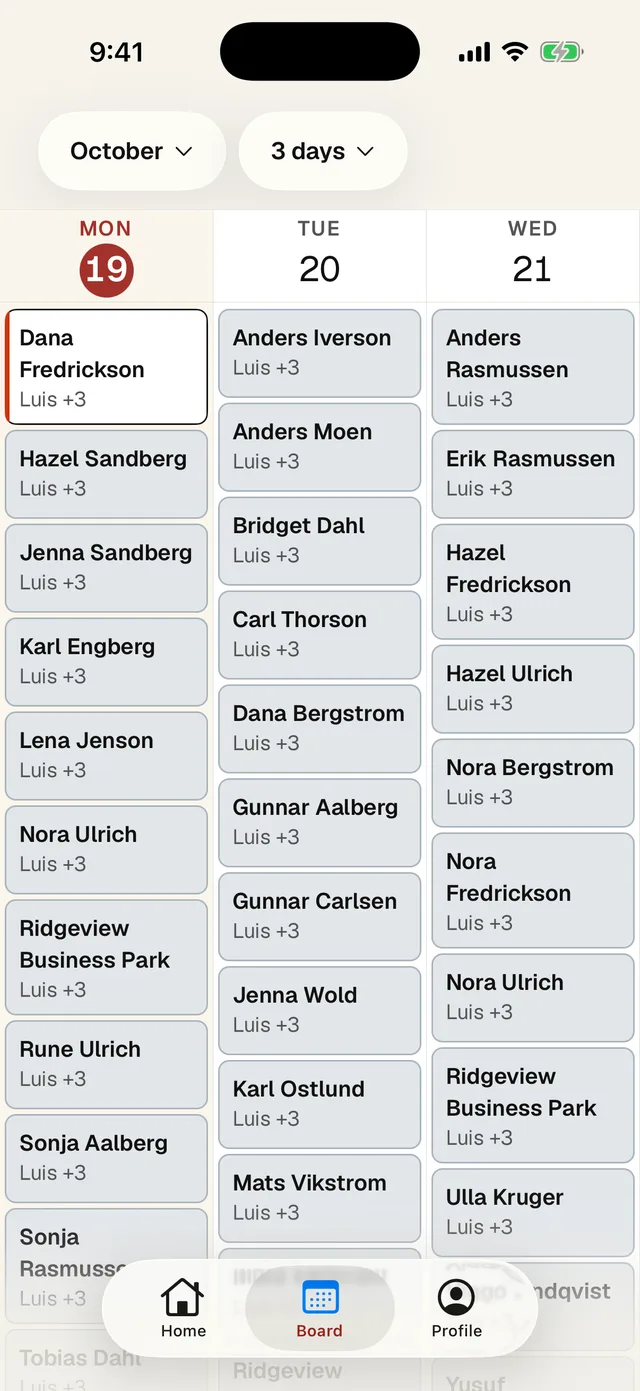
- 1 Tap the month to jump to a date.
- 2 Tap here to see 1 day, 3 days, a week, 2 weeks, 4 weeks or the map.
- 3 Today is highlighted. Swipe sideways to go forward or back. Tap a stop to open it.
You can look at other days but you can't work them. They say Opens tomorrow or Opens on its day.
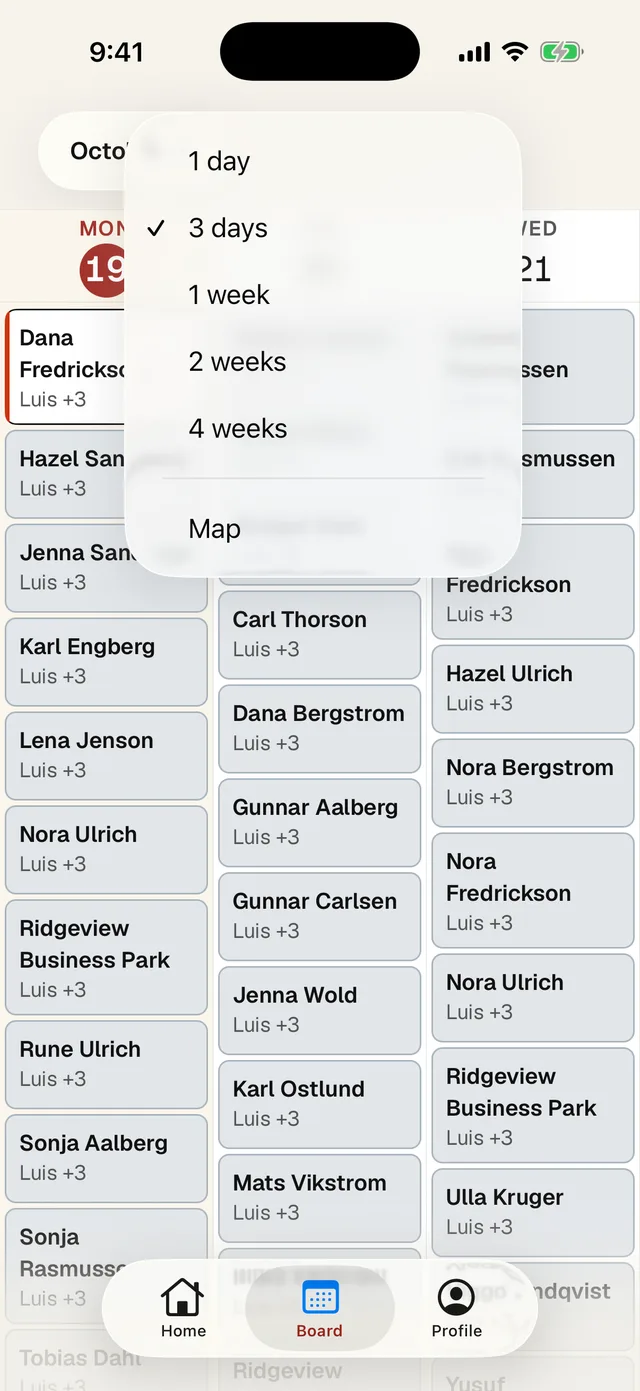
- 1 Pick how many days to see.
- 2 Map shows your stops for one day.
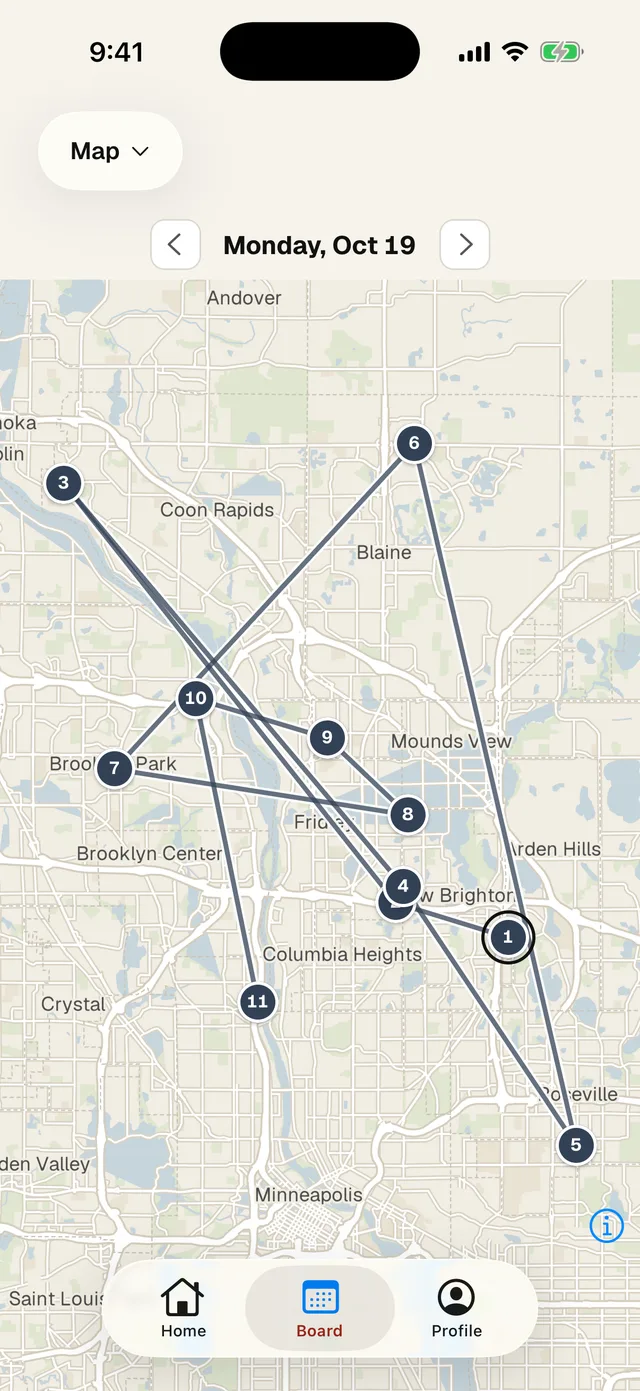
- 1 Switch back to a calendar here.
- 2 Change the day.
- 3 The ring marks your current stop.
Messages from the office
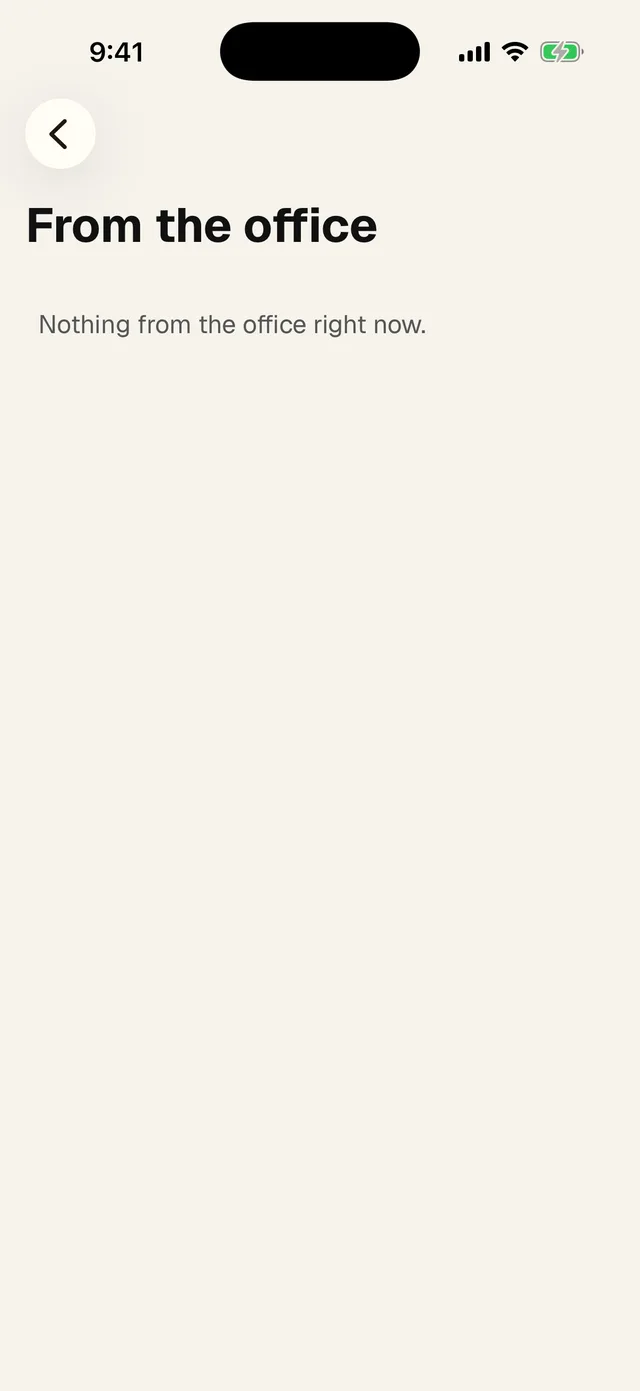
Tap the bell on Home. Messages here are one-way, so you can't reply. If you need to answer, call or text the office.
Profile
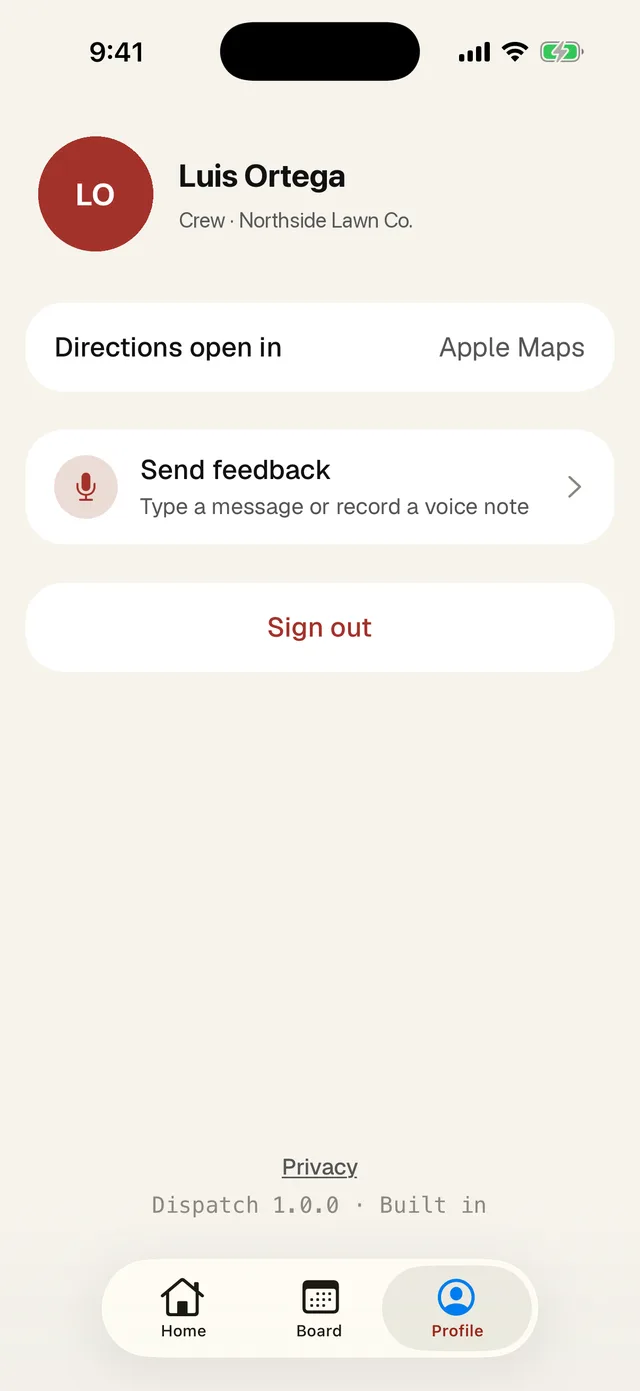
- 1 Directions open in picks your maps app: Apple Maps, Google Maps or Waze on an iPhone, Google Maps or Waze on Android.
- 2 Send feedback goes to Bloombilt, the people who make the app. Type it or record a voice note. Use it for bugs.
- 3 Sign out. Only sign out when you have signal, or anything you did offline is lost.