Sign in on your phone
Download the app and get in with the code we email you.
- Get the Bloombilt Dispatch app from the App Store (iPhone) or Google Play (Android). The links are in the email the office sent you.
- Open it.
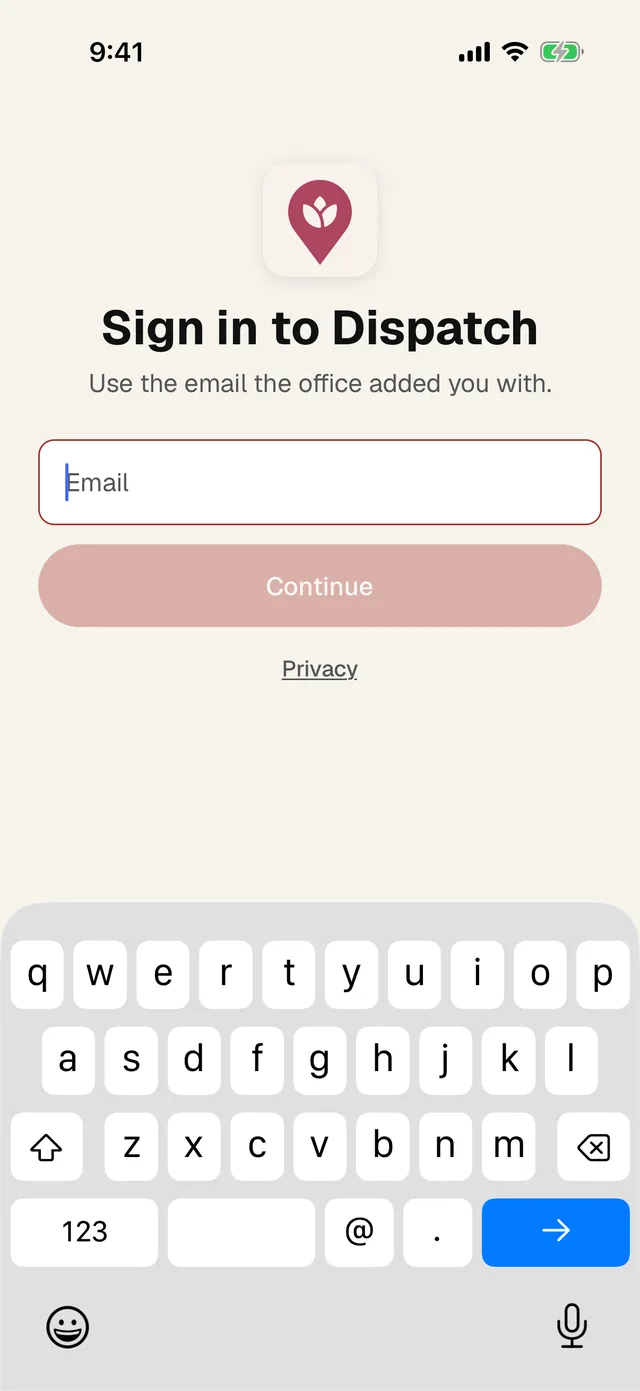
- 1 Type the email the office added you with.
- 2 Tap Continue.
- Check your email. Type the 6-digit code. It goes in on its own once you type the last number.
- Allow notifications when your phone asks. That's how you hear about route changes and notes from the office.
You stay signed in. When you open the app later it asks for Face ID or your phone passcode, so nobody else can open it.